 518-373-4111
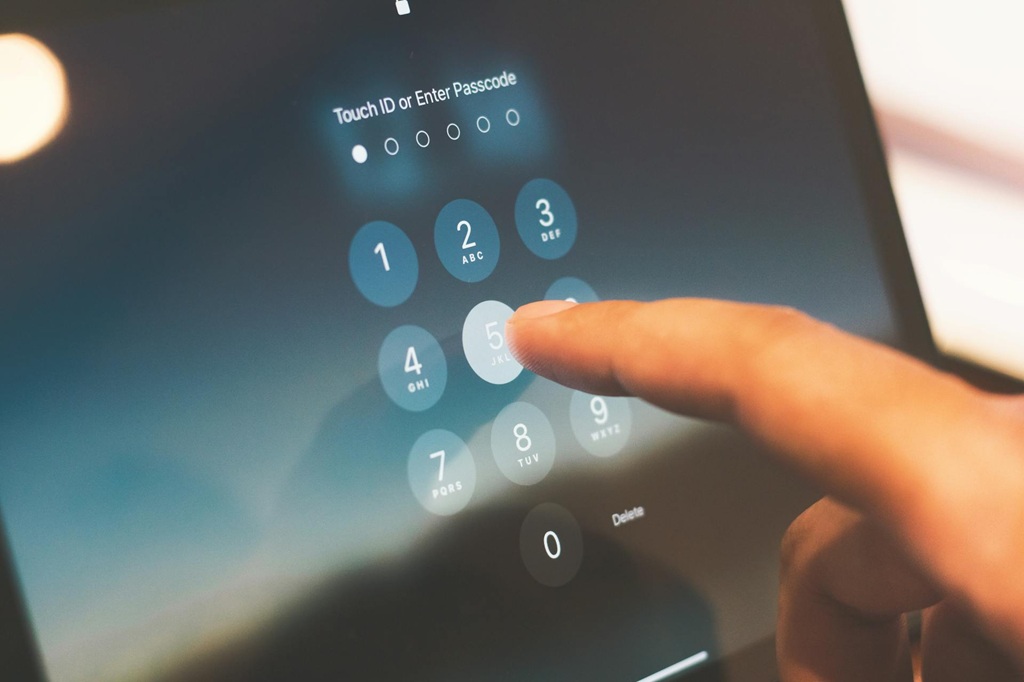
While complex passwords may help deter cybercriminals, they can still be cracked. According to telecommunications company Verizon, an estimated 80% of hacking-related data breaches involve stolen credentials. With these findings in mind, it’s clear that passwords alone aren’t enough to protect your workplace accounts.
Fortunately, that’s where multifactor authentication (MFA) can help. MFA is a layered approach to securing data and applications, in which a system requires a user to present a combination of two or more credentials to verify their identity during login. This article provides more information on MFA, explains how it protects you and your employer, and offers related best practices.
Multifactor Authentication Overview
Through MFA, employees must confirm their identities by providing extra information, such as a phone number, biometric data, or a one-time security code, in addition to their passwords when attempting to access sensitive corporate information and infrastructure. Companies generally require MFA for remote access to their networks, for the administrative functions within their networks, and for any enterprise-level cloud applications.
With this method, it’s not enough to just have your username and password. In order to log in to a workplace account, you’ll need another “factor” to verify your identity, similar to needing both a key and an identification badge to gain physical access to a corporate building. This additional login hurdle means that cybercriminals won’t be able to easily unlock your account, even if they have your compromised credentials.
Key Protections
Although proper password management can prove beneficial, stolen credentials remain a common and pervasive cybersecurity threat. Even the most sophisticated passwords can be stolen, whether via brute-force techniques or advanced phishing scams. In these instances, a single compromised account can expose the entire company, potentially resulting in devastating and disruptive cyberattacks (e.g., account takeovers, data breaches, or ransomware incidents).
Without MFA in place, you could be leaving personal information and sensitive projects stored on your workplace accounts, as well as your employer’s larger corporate systems, vulnerable to cybercriminals. Using this method can help halt these hackers in their tracks, safeguarding both you and the company.
While MFA may seem like a tedious or unnecessary step in the login process, it’s well worth it to avoid potential cybersecurity incidents. Microsoft confirmed that MFA can block over 99% of automated and bulk account compromise attacks, demonstrating its effectiveness.
Multifactor Authentication Best Practices
When leveraging MFA at work, remember the following guidelines:
Use approved methods
Adhere to company policies and any related documentation on how to set up MFA services across your workplace accounts. Use only approved methods, whether it’s a mobile authenticator application, biometric scanner, text messaging system, or hardware key.
Pay attention to prompts
Be prepared to comply with MFA prompts when logging in to your workplace accounts (e.g., “enter the unique code sent to your device” or “use facial recognition to approve login attempt”), as these prompts must usually be completed within a brief time frame. However, never follow or approve prompts you didn’t initiate.
Report suspicious activity
If you receive unexpected MFA requests, unusual prompts, or other login problems, report them immediately.
For More Information
Cybersecurity can be challenging, but you don’t have to navigate it alone.
GTM partners with OrbitalFire to help our staff identify and report cybersecurity issues. Every GTM employee undergoes regular testing to ensure we can identify phishing emails and other issues.
As an additional security measure, cyber and data breach liability insurance is available in the event of a cyberattack or data breach. A cyber liability and data breach insurance policy can help if your business computers get hit with a virus that exposes private or sensitive information, your business is sued for losing your customers’ sensitive data, or your business takes on public relations costs to protect its reputation after a data breach
The GTM Insurance Agency can discuss your options for cyber and data breach liability insurance.
© 2026 Zywave, Inc. All rights reserved.